


iPhone Battery Health Guide Before Buying Used iPhones in Pakistan (2026) Leave a comment
Buying a used iPhone can save thousands of rupees compared to purchasing a brand-new device. However, many buyers focus on the phone’s appearance, storage capacity, and camera quality while overlooking one of the most important factors: battery health.
Battery health directly affects performance, battery life, charging efficiency, and long-term reliability. A used iPhone with poor battery health can quickly become frustrating to use and may require an expensive battery replacement. Understanding how battery health works before making a purchase can help you avoid costly mistakes and get better value for your money.
What Is iPhone Battery Health?
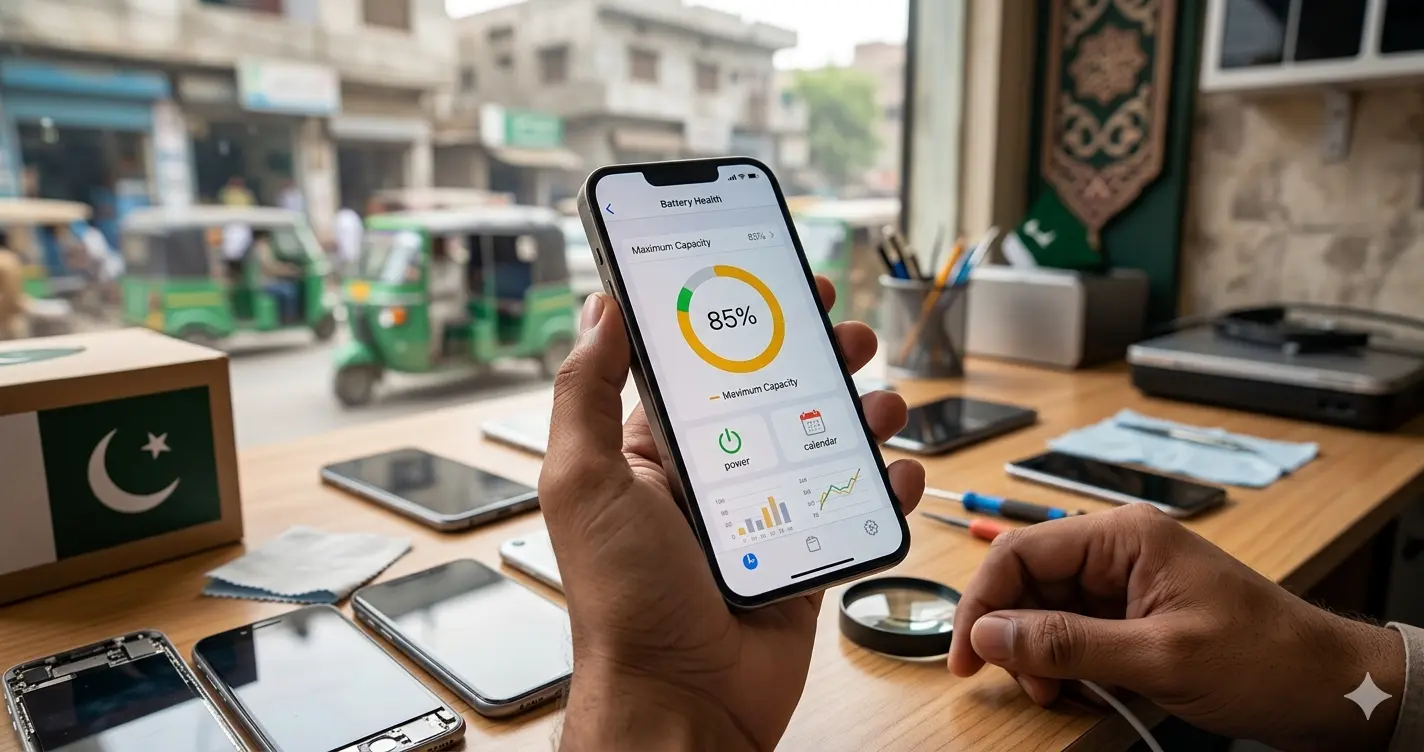
Battery Health is Apple’s measurement of how much battery capacity remains compared to when the iPhone was new.
All lithium-ion batteries degrade over time. As the battery ages, it becomes less capable of holding a charge, which affects battery life and performance. Apple provides a Battery Health feature that allows users to monitor this degradation.
To check battery health:
Settings → Battery → Battery Health & Charging
The Maximum Capacity percentage indicates the battery’s current condition.
100% Battery Health – Brand New
A battery health rating of 100% means the battery is in brand-new condition and can hold its full original charge. This is typically found on new iPhones or devices with a recently installed genuine battery.
95%–99% Battery Health – Excellent
An iPhone with battery health between 95% and 99% is considered excellent. Most users will experience battery performance that feels almost identical to a brand-new device.
90%–94% Battery Health Very Good
This range is ideal for most used iPhone buyers. The battery still offers strong all-day performance and is unlikely to require replacement anytime soon.
85%–89% Battery Health Good
Battery health between 85% and 89% is still suitable for everyday use. While some reduction in battery life may be noticeable, the device should continue to perform reliably.
80%–84% Battery Health Fair
A battery in this range is considered fair. The iPhone remains usable, but battery life may be noticeably shorter, and buyers should consider negotiating a lower price.
Below 80% Battery Health Replacement Recommended
When battery health falls below 80%, Apple considers the battery significantly degraded. Users may experience reduced battery life, performance issues, and unexpected shutdowns, making battery replacement advisable.
The higher the battery health percentage, the better the battery’s ability to hold a charge and deliver reliable performance throughout the day.
Why Battery Health Matters Before Buying a Used iPhone
Battery health affects much more than battery backup.
A degraded battery can impact daily performance, charging speed, and the overall user experience. Even if an iPhone looks flawless externally, a worn-out battery can reduce its value significantly.
Poor battery health can lead to:
- Frequent charging
- Reduced screen-on time
- Slower performance
- Unexpected shutdowns
- Overheating issues
- Lower resale value
For this reason, experienced buyers always check battery health before purchasing a used iPhone.
Impact on Daily Usage
A battery with low health may struggle to last through a full day. This can be particularly frustrating for students, professionals, and travelers who rely heavily on their phones.
Impact on Performance
Apple may limit peak performance on devices with heavily degraded batteries to prevent unexpected shutdowns. As a result, the phone may feel slower than a device with a healthier battery.
How iPhone Batteries Degrade Over Time
Every iPhone uses a lithium-ion battery, which naturally loses capacity as it ages.
Battery degradation is normal and occurs through regular charging and discharging cycles. However, some usage habits can accelerate the process.
Excessive Heat
Heat is one of the biggest causes of battery wear. Leaving an iPhone in direct sunlight or a hot car can permanently reduce battery capacity.
Heavy Gaming
Demanding games generate significant heat, which can accelerate battery degradation over time.
Frequent Fast Charging
Fast charging is safe when using quality accessories, but constant high-speed charging over several years may contribute to faster battery wear.
Poor Charging Habits
Frequently allowing the battery to reach 0% or keeping it plugged in at 100% for long periods can increase long-term battery stress.
How to Check Battery Health Before Buying a Used iPhone
Checking battery health takes only a few minutes and can help you avoid buying a used iPhone with hidden battery issues. Before making a purchase, take the time to inspect the battery condition carefully, as it directly affects performance, battery life, and long-term reliability.
Check the Maximum Capacity
Start by opening Settings → Battery → Battery Health & Charging on the iPhone. Here, you’ll find the Maximum Capacity percentage, which indicates how much of the battery’s original capacity remains. A higher percentage generally means better battery life and overall performance.
Verify Peak Performance Capability
Under the Battery Health section, look for a message stating:
“Your battery is currently supporting normal peak performance.”
This confirms that the battery is functioning properly and can deliver the power needed for normal device operation without performance limitations.
Look for Warning Messages
Pay close attention to any battery-related warnings. Messages such as “Service Recommended,” “Battery Significantly Degraded,” or “Unable to Verify Genuine Apple Battery” may indicate battery issues, previous repairs, or the use of non-genuine replacement components. These warnings should prompt further investigation before purchasing the device.
Test Real-World Usage
Battery health percentages do not always tell the complete story. Spend at least 15–20 minutes actively using the phone by opening the camera, watching videos on YouTube, browsing social media apps like Instagram or TikTok, and using navigation apps such as Google Maps. Observe how quickly the battery percentage drops during normal usage.
Test Charging Performance
Connect the iPhone to a charger and confirm that charging begins immediately. The device should charge consistently without interruptions, overheating, or repeated connection issues.
What Battery Health Percentage Is Best for a Used iPhone?
The ideal battery health percentage depends on your budget, usage requirements, and how long you plan to keep the device. Understanding what each battery health range means can help you make a smarter buying decision.
95%–100% Battery Health
An iPhone within this range offers a near-new experience. Battery life is excellent, performance is optimal, and the device is unlikely to require a battery replacement for several years. These devices usually command higher prices in the used market.
90%–94% Battery Health
Many experts consider this the ideal range for buying a used iPhone. You get strong battery performance and excellent daily usability without paying the premium often associated with near-perfect battery health.
85%–89% Battery Health
This range is still considered good for most users. The battery should comfortably handle everyday tasks, and replacement may not be necessary for another year or two depending on usage habits.
80%–84% Battery Health
An iPhone with battery health in this range remains usable, but reduced battery life may become noticeable. Buyers should ensure the asking price reflects the battery’s condition.
Below 80% Battery Health
Apple generally considers batteries below 80% significantly degraded. These devices may experience shorter battery life, performance limitations, and unexpected shutdowns. Battery replacement will likely be required in the near future.
Recommended Battery Health by iPhone Model
Different iPhone models have different age expectations, so acceptable battery health levels vary slightly between generations.
iPhone 11 Series
Since the iPhone 11 lineup is several years old, a battery health percentage above 85% is generally considered acceptable. Anything significantly lower should result in a lower purchase price.
iPhone 12 Series
For the iPhone 12 series, buyers should aim for at least 88% battery health. This ensures reliable battery performance and reduces the likelihood of needing a replacement soon.
iPhone 13 Series
The iPhone 13 remains one of the most popular used iPhones in Pakistan. Ideally, buyers should look for devices with battery health of 90% or higher.
iPhone 14 Series
Most iPhone 14 devices should still retain excellent battery condition. A battery health percentage above 92% is generally expected.
iPhone 15 Series
Because these devices are relatively new, buyers should ideally look for battery health levels above 95%. Lower percentages may indicate unusually heavy usage.
Common Battery Health Scams to Avoid
The used smartphone market contains many trustworthy sellers, but buyers should remain aware of common battery-related scams that can lead to poor purchasing decisions.
Fake Battery Health Readings
Some repair tools can manipulate battery statistics and display inaccurate battery health percentages. This can make a worn-out battery appear healthier than it actually is. Always combine battery health checks with real-world testing.
Hidden Battery Replacements
Not all replacement batteries are genuine Apple components. Some sellers replace degraded batteries with lower-quality alternatives and fail to disclose the repair history. Always check for battery authenticity warnings in the iPhone settings.
Misleading Marketing Terms
Terms such as “Like New,” “10/10 Condition,” or “Box Packed Condition” often describe only the phone’s appearance. These descriptions do not guarantee strong battery health or reliable performance.
Recently Installed Low-Quality Batteries
Some sellers install inexpensive aftermarket batteries shortly before selling the device. While the battery may initially appear healthy, it can degrade rapidly over a short period. Whenever possible, ask about the battery replacement history and verify whether genuine parts were used.
Questions to Ask Before Buying
Before completing the purchase, ask the seller:
Has the Battery Ever Been Replaced?
Battery replacement history can provide valuable information about the device’s condition.
Was the Replacement Performed by Apple?
Authorized repairs generally offer greater reliability.
Has the Phone Ever Overheated?
Frequent overheating can accelerate battery degradation.
Are There Any Repair Records Available?
Repair documentation increases transparency and buyer confidence.
Best Practices After Buying a Used iPhone
Proper battery care can help preserve battery health for years.
Keep Battery Levels Between 20% and 80%
This charging range reduces long-term battery wear.
Enable Optimized Battery Charging
This feature helps slow battery aging by learning your charging habits.
Avoid Extreme Temperatures
Heat remains the leading cause of premature battery degradation.
Use High-Quality Charging Accessories
Reliable chargers and cables help maintain safe and consistent charging performance.
Expert Recommendation
For most buyers in Pakistan, an iPhone with 90% or higher battery health offers the best combination of value, performance, and longevity.
While devices with 85% battery health can still be excellent purchases, anything below 80% should only be considered if the price reflects the likely need for a battery replacement.
Conclusion
Battery health is one of the most important factors to evaluate before buying a used iPhone. It influences battery life, charging performance, device speed, and long-term ownership costs.
By checking Maximum Capacity, verifying Peak Performance Capability, testing real-world battery performance, and understanding common scams, you can make a more informed buying decision.
A few minutes spent evaluating battery health can save you money, prevent frustration, and help ensure that your used iPhone delivers a reliable experience for years to come.